Meezan Bank Transfer
Direct bank transfer — ideal for invoices above Rs. 5,000.
Payment details
Account TitlePakish Group
Account No.0150-0101991-445
IBANPK34MEZN0001500101991445
Scan to pay
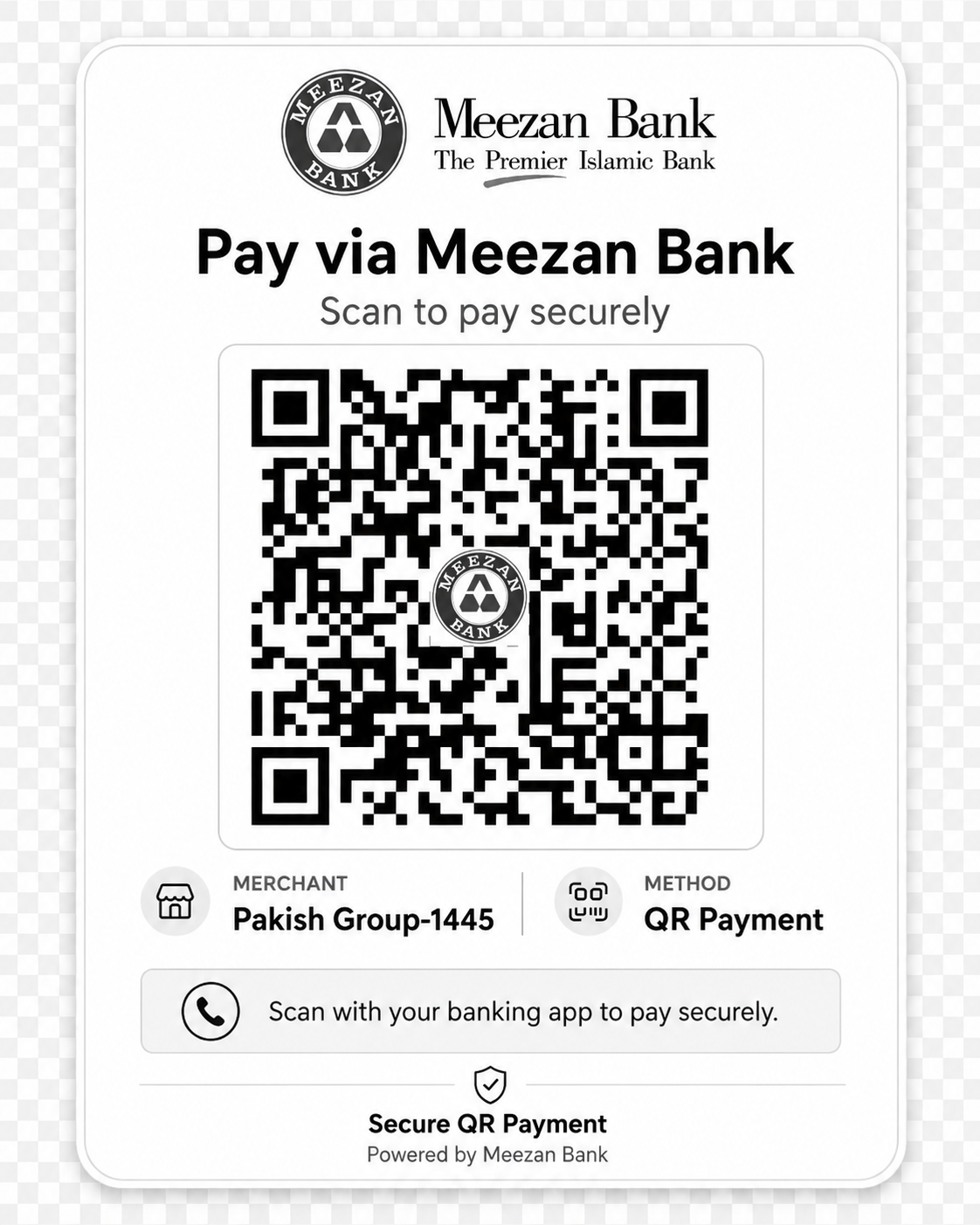
Scan & pay to PAKISH GROUP-1445 via Meezan Mobile Banking.
Web professionals and IT experts have trusted Pakish dot NET Hosting since 1999. Choose from multiple convenient and secure payment options below.
Verified channels: All payment options below are secure. For instant activation, use the client portal. Manual bank or wallet payments may require receipt verification.
All channels are verified and secure. Bank transfers and JazzCash are the fastest options for Pakistani clients.
Direct bank transfer — ideal for invoices above Rs. 5,000.
Scan to pay
Scan & pay to PAKISH GROUP-1445 via Meezan Mobile Banking.
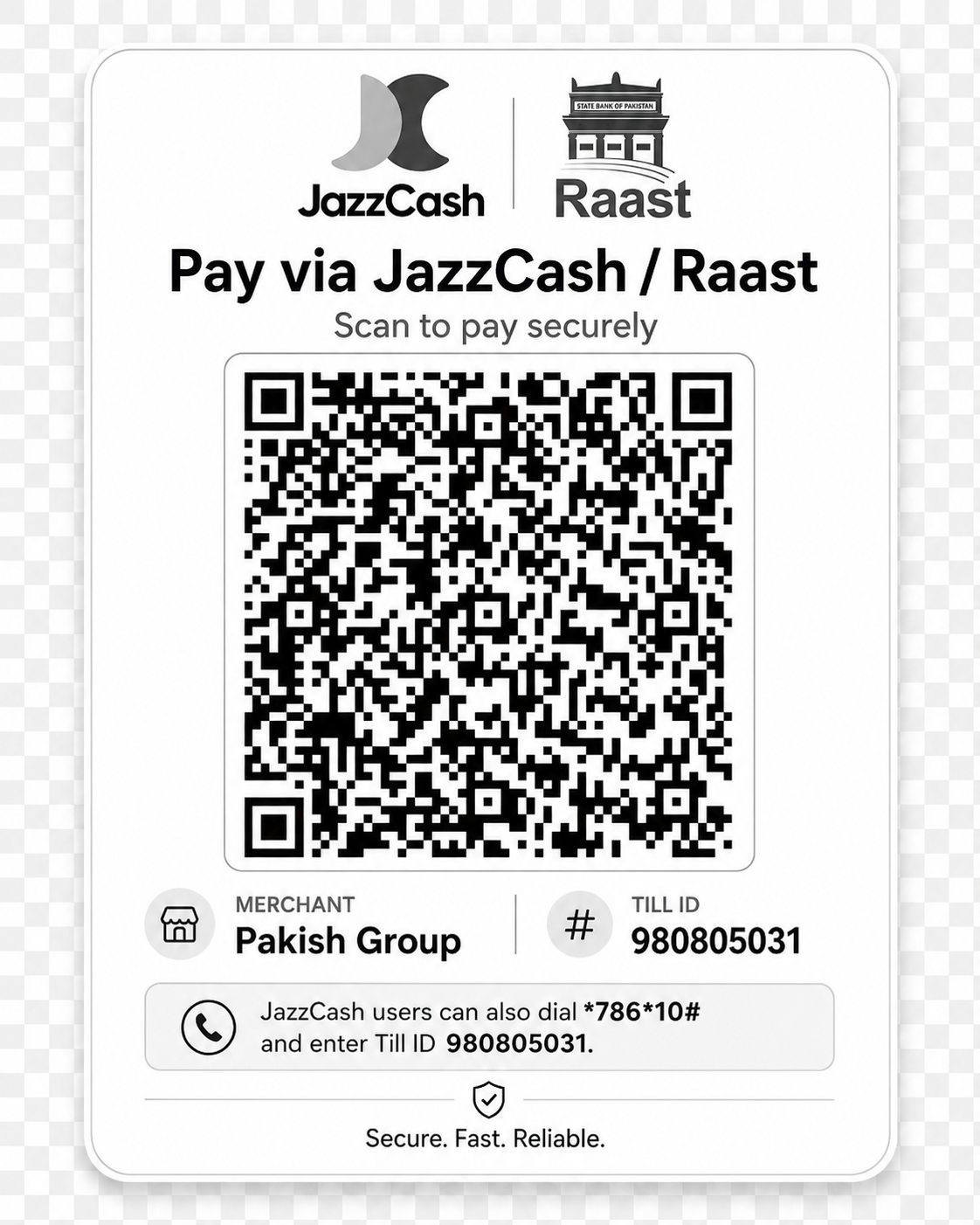
Pay instantly via JazzCash App or by dialing *786*0# on any mobile.
Scan to pay
Use JazzCash App → Send Money → Pay to TILL, or dial *786*0#.
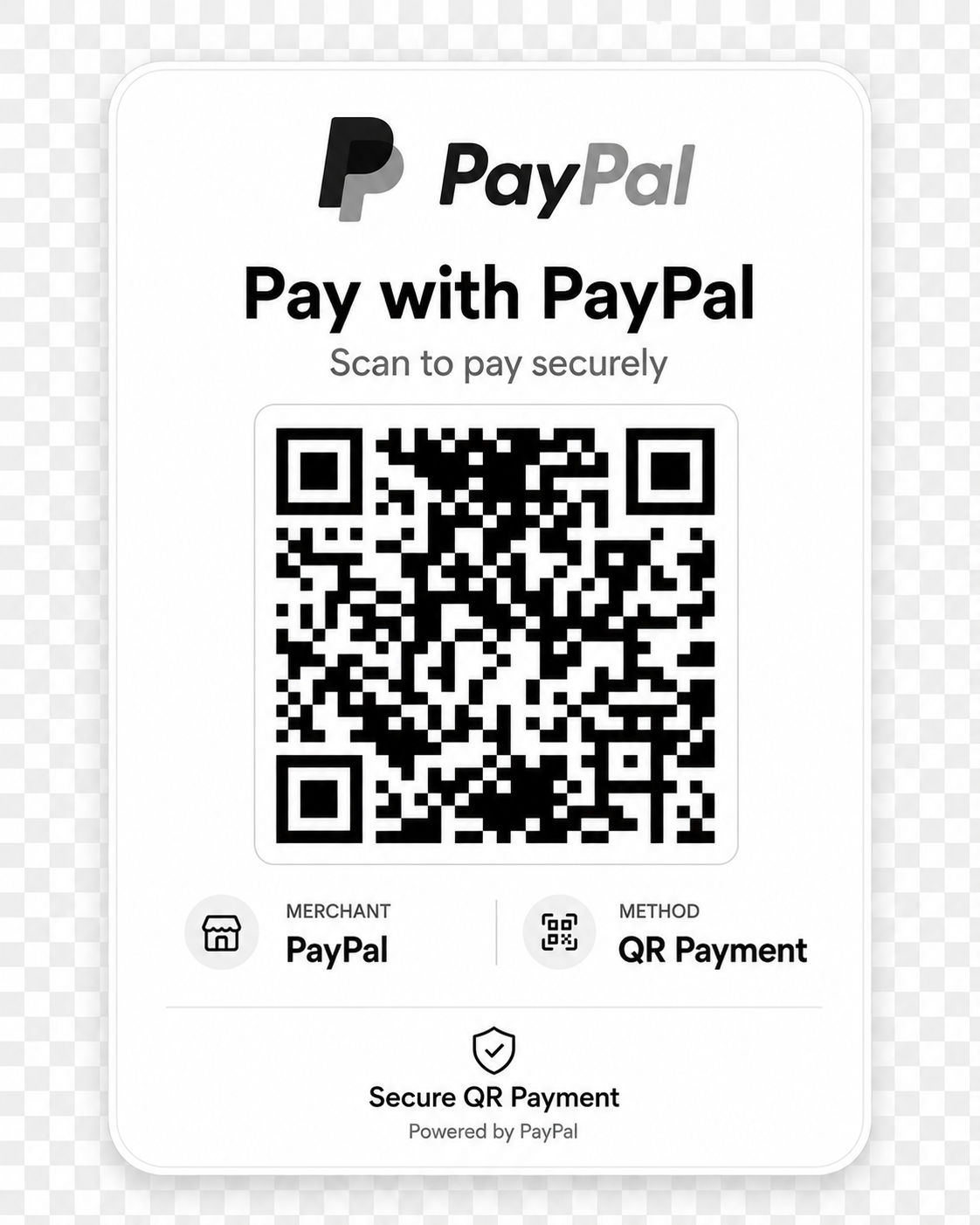
Pay securely with PayPal. Ideal for international clients paying in USD.
Scan to pay
Use PayPal through your invoice at my.pakish.net for the fastest confirmation. Invoice-linked PayPal payments are processed quickly.
Pay through your existing Payoneer account or ask Pakish to issue a secure payment request against your invoice.
Before confirming, verify the recipient details shown by Payoneer.
This option is available only when your Payoneer account supports payments to another Payoneer account.
Send Payment Confirmation on WhatsAppSend us your invoice number, amount, currency and payer email. We will issue an invoice-specific Payoneer payment request.
Payoneer payments are manually verified. Please provide the Payoneer Transaction ID and payment receipt. Hosting, domains or other services are processed after confirmation.
Pay directly through your Pakish.NET client portal for automatic order processing.
Manual bank or wallet payments may require receipt verification before activation.
The quickest route to instant order activation. Follow this detailed walkthrough if you need step-by-step guidance.
Visit my.pakish.net and sign in with your registered email. New customers can create an account during checkout.
Open Billing → Payments, select the unpaid invoice, and review line items before continuing.
Click Pay Now, finish through the payment gateway, and most hosting or domain orders activate automatically after confirmation.
For faster verification of manual payments, email your receipt to [email protected] or WhatsApp us at 03111404111.
Questions about paying for Pakish dot NET services.
Budget-friendly shared hosting plans starting at PKR 396/mo.
Register .com, .pk, .net, and 400+ TLDs at competitive prices.
Affordable professional domain email hosting for Pakistani businesses.
Priority 24/7 expert support with dedicated engineers.